

Electric vehicle charging
Charge your electric car with Telpark
Keep your battery charged
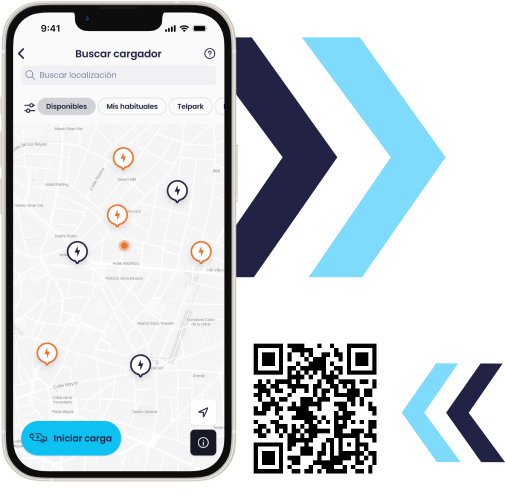
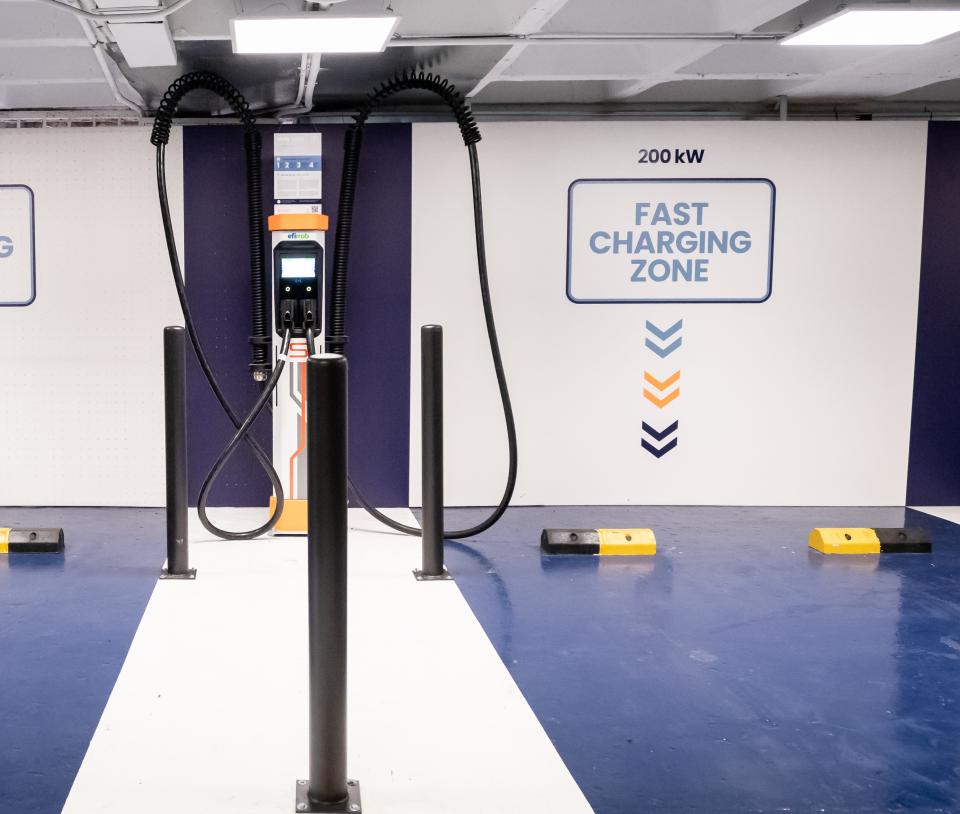
Telpark has over 700 charging points to make sure you're always covered in your electric vehicle while in Spain and Portugal.
22kw / 200kw
Choose between different charging speeds.
Always works
Charge your car with peace of mind.
Charge and go
Leave your car with us, charge and park.
Keep your battery charged
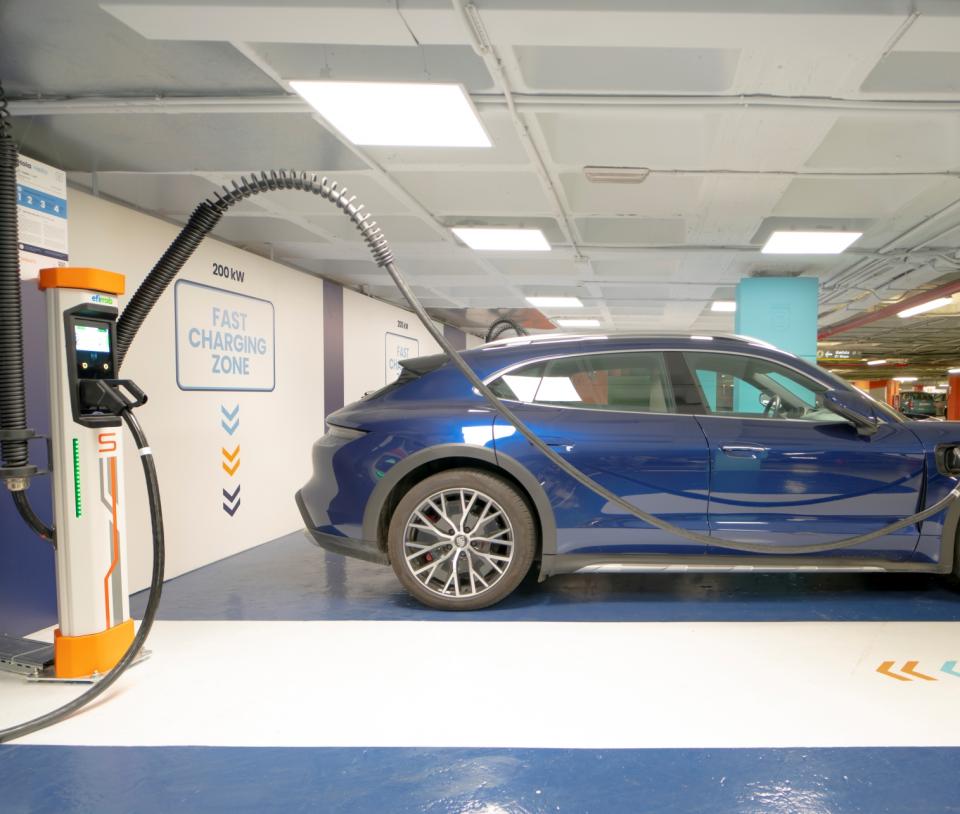
Telpark has over 400 charging points to make sure you're always covered in your electric vehicle while in Spain and Portugal.
22kw
Always works
Charge your car with peace of mind.
Charge and go
Leave your car with us, charge and park.
Need help?
Electric Car FAQs
Find information and support on telpark's services.
Until now, in many cases, you had to use a card, an e-mobility app or an external provider to charge your vehicle.
Now you’ll be able to charge directly through the Telpark app at our car parks.
This makes the experience clearer, more straightforward and better connected to parking.
The four-digit code will be displayed on the charger itself or on the signage at the charging point.
This code helps you identify the correct charger in the app.
Check the front or side of the charger and the signage near the parking space.
If you can’t find it, contact our car park team or support team, and we’ll be happy to help.
Payment is handled through the Telpark app using your linked payment method.
Yes. Before confirming the charging session, you’ll be able to review the available pricing information.
Prices may vary depending on the charging method, car park, charger type and applicable conditions.
The advantage of charging with Telpark is that you can check the relevant information in the app before you start.
Yes. You’ll be able to view information about your charging sessions and payments in the app or through the channels provided by Telpark.
Yes, if parking charges apply at that car park.
EV charging and parking are separate services, although they’ll now be better connected within the Telpark experience.
Yes. That’s one of the main advantages of Telpark.
You can charge your vehicle while you work, run errands, visit the city centre, eat out or get on with your day.
Check that the cable is properly connected, that you’ve selected the correct charger and that the session has been confirmed in the app.
If charging still doesn’t start, contact our team.
If a session has already started, end it and start again by selecting the correct code.
Availabilitywilldependoneach car park and thefeaturesavailable at the time.
Some car parksmayhaveareaswithlimitedmobilecoverage. Make a note of the four-digit code, leave the car parktogetonwithyourday, and startthechargingsessionfrom a locationwithcoverage. Everythingwillwork as expected.
Contactthe car parkteamorsupport so we can look into the situation.
The main advantage is a more direct, straightforward and transparent experience.
Park with Telpark, charge with Telpark and manage your charging session through the Telpark app.
Plus, the Telpark app gives you access to more than 3,500 charging points across Spain and Portugal.
Because the Telpark app gives you a more direct way to manage the service.
You can start charging, view session information and connect charging with other parking services.
We’ll also be introducing new features to make your day-to-day experience even easier.
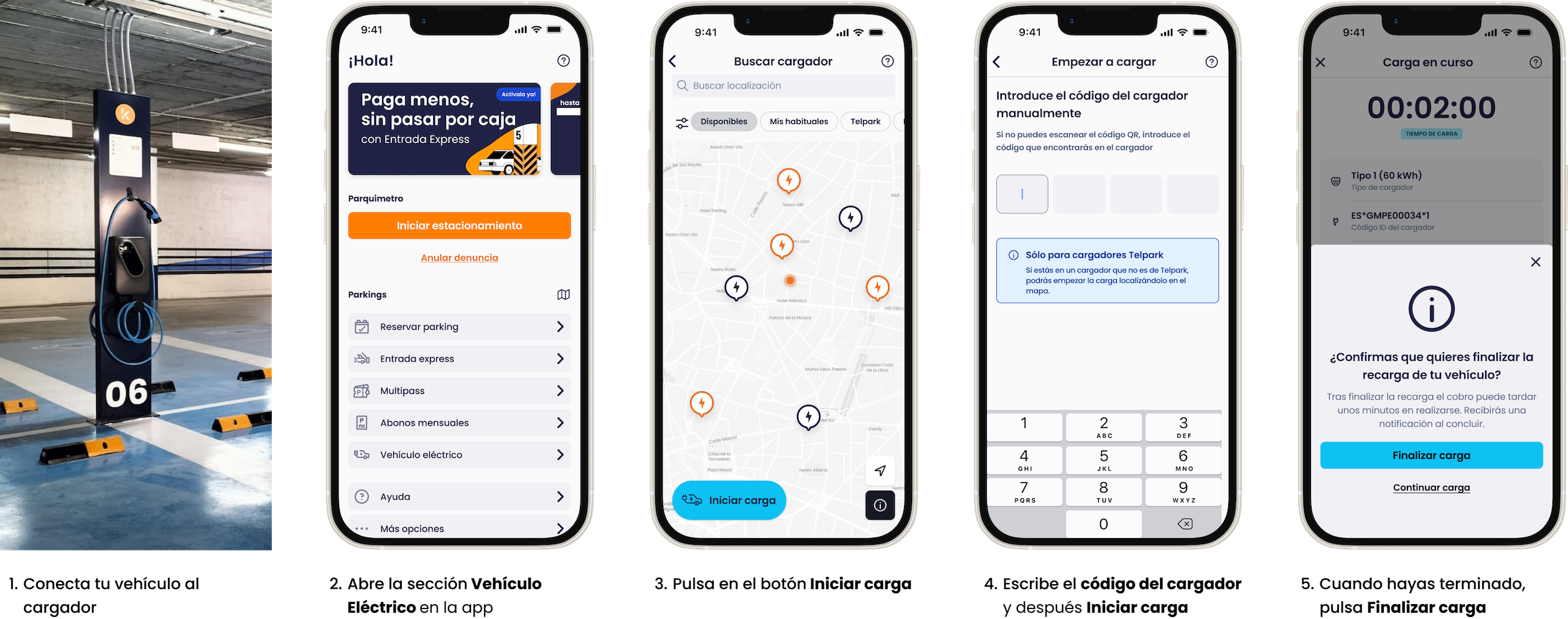
1. Connect your vehicle to the charger.
2. Select "Electric Vehicle" in the Telpark app and click the "Start charging" button on the map.
3. Enter the 4-digit charger number that you can find under the "Punto de recarga" sign and then click Start.
4. Click "Stop" to finish charging.
Car parks with electric chargers
Still have questions? Don't worry. Contact us, we'll be more than happy to help.
Don't worry, contact us at soporte.telpark.com and tell us the charge point number and number plate you are having problems with so that our technicians can find out what is happening.
Still have questions? Don't worry. Contact us, we'll be more than happy to help.
See map of car parks with electric chargers.
Still have questions? Don't worry. Contact us, we'll be more than happy to help.